AI Homework Helper — solve, explain & make PDF, Word, PPTX
Snap any question for a step-by-step explanation in 70+ languages. The app also records meetings into a summary with action items, writes PDF, Word or PowerPoint docs, and creates study images. Free on iPhone & Android: watch a short video for +5 credits.




The hard ones, actually solved
A rolling sample of what students really photographed this month — whole worksheet pages, pencil working, six languages. Every card is a real solve.
-
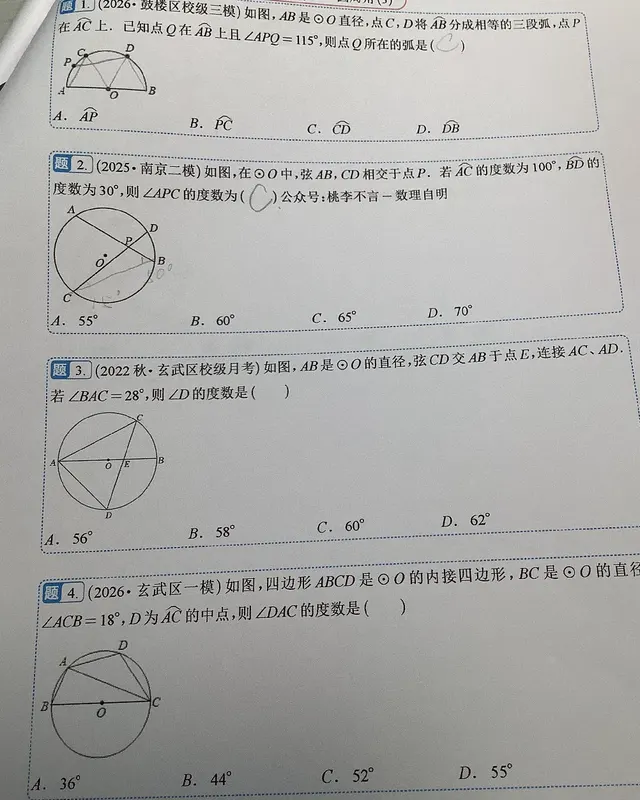
Circle geometry Super hard -
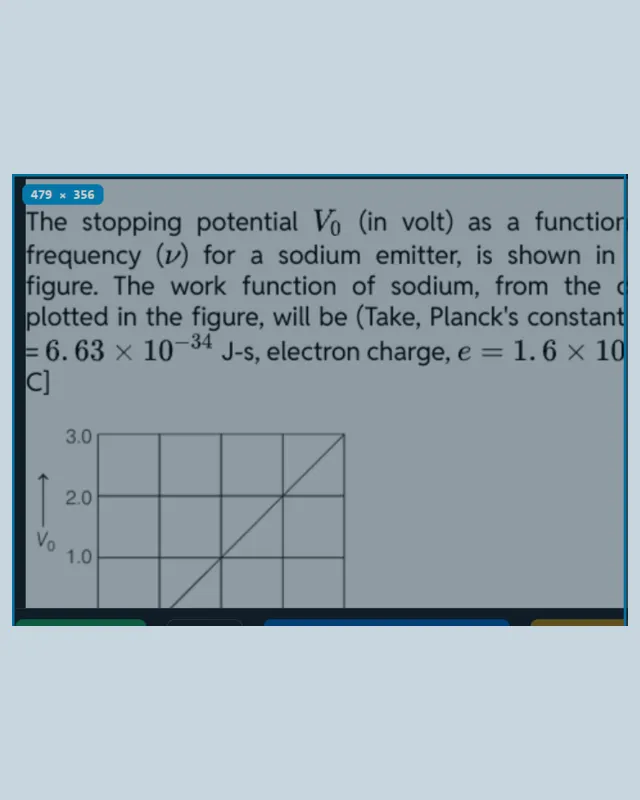
Photoelectric effect Super hard -
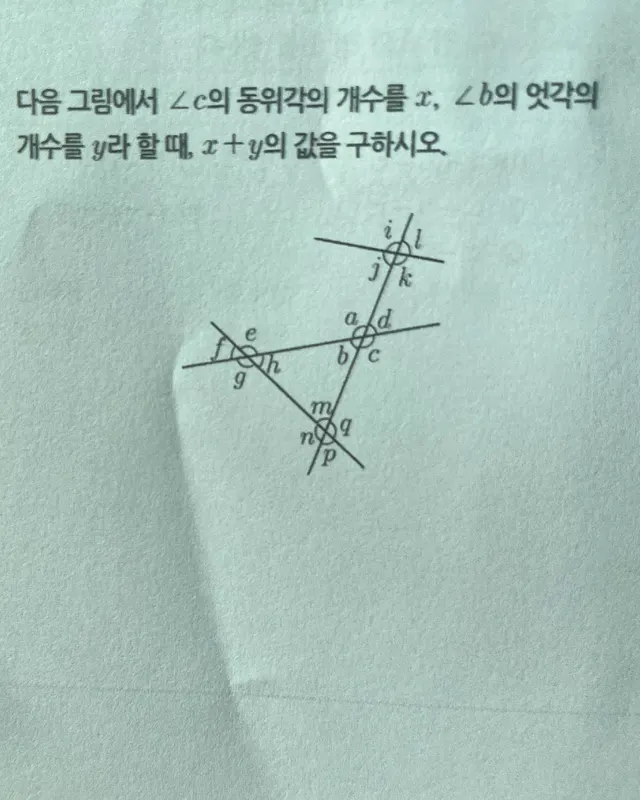
Angle relationships Reasoning -
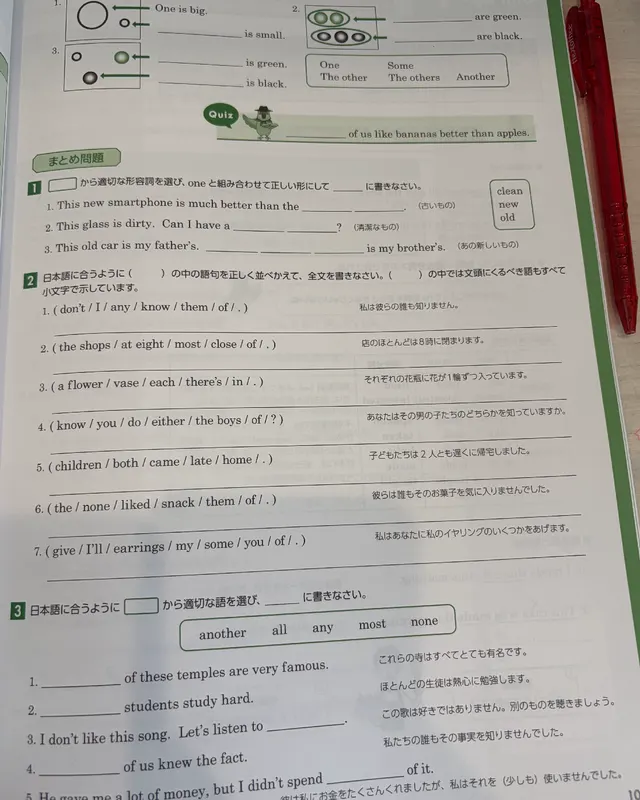
English grammar workbook Hard -
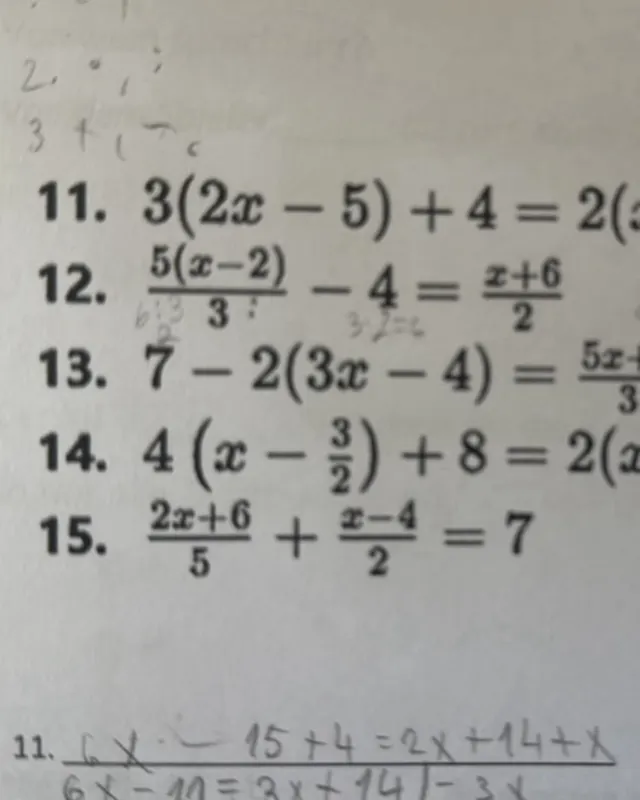
Linear equations Hard -
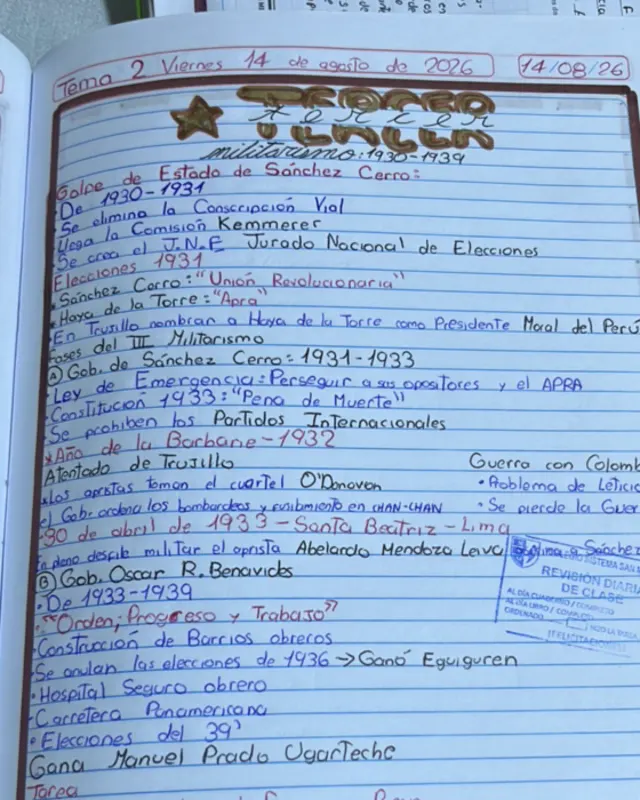
History coursework Super hard -
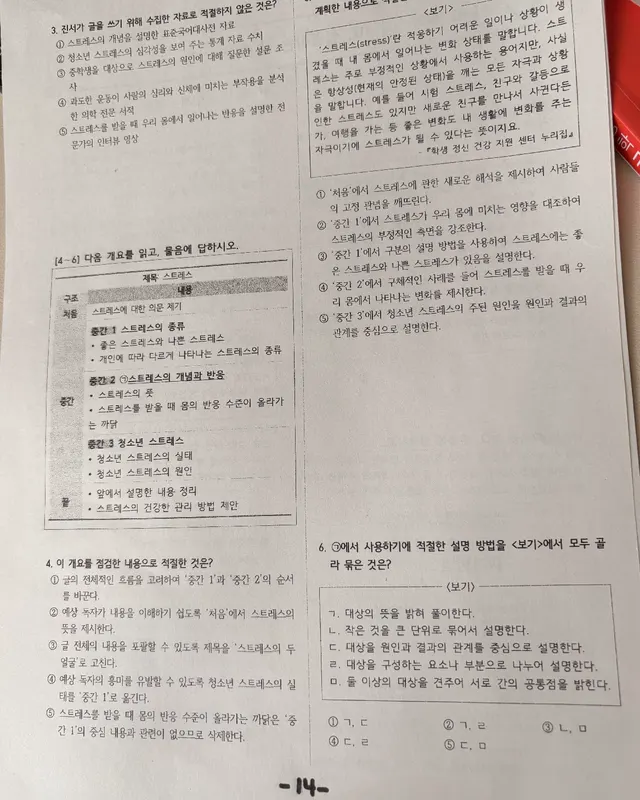
Reading comprehension Hard -
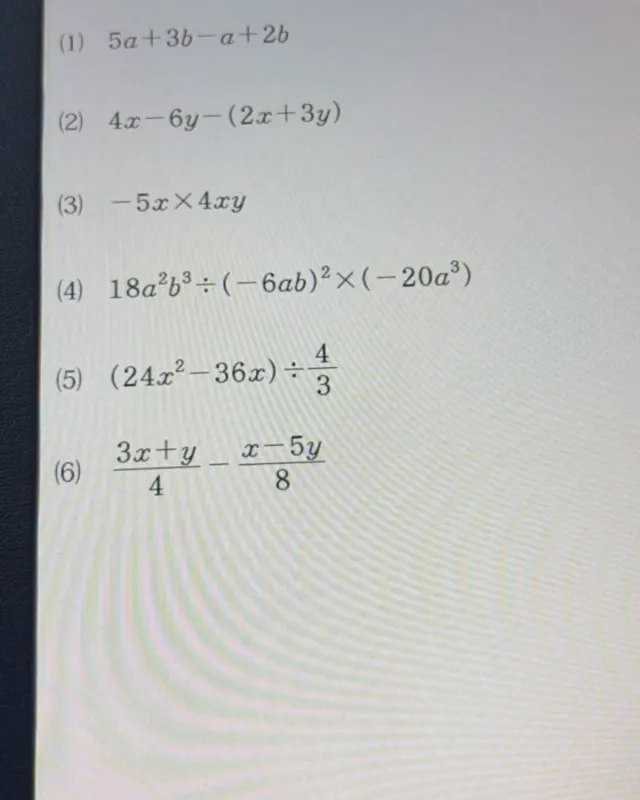
Algebraic simplification Hard -
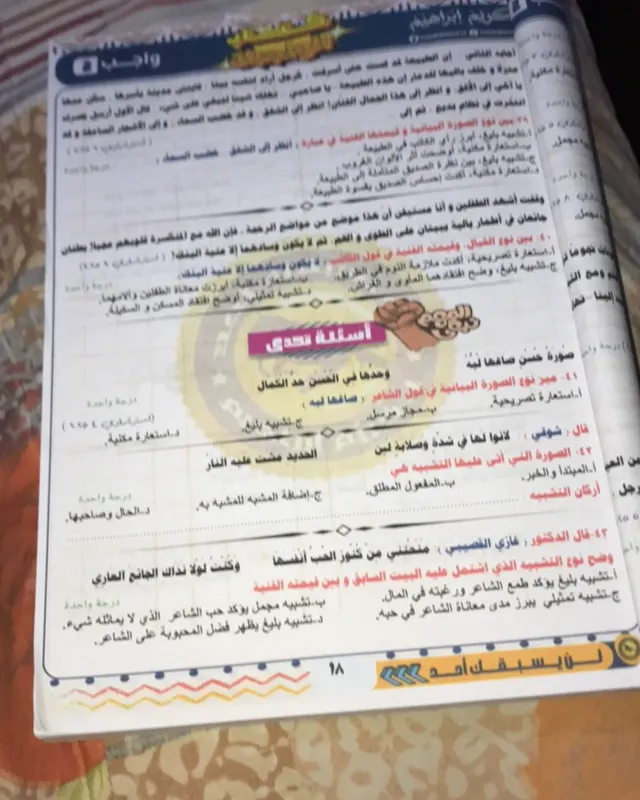
Figures of speech Hard -
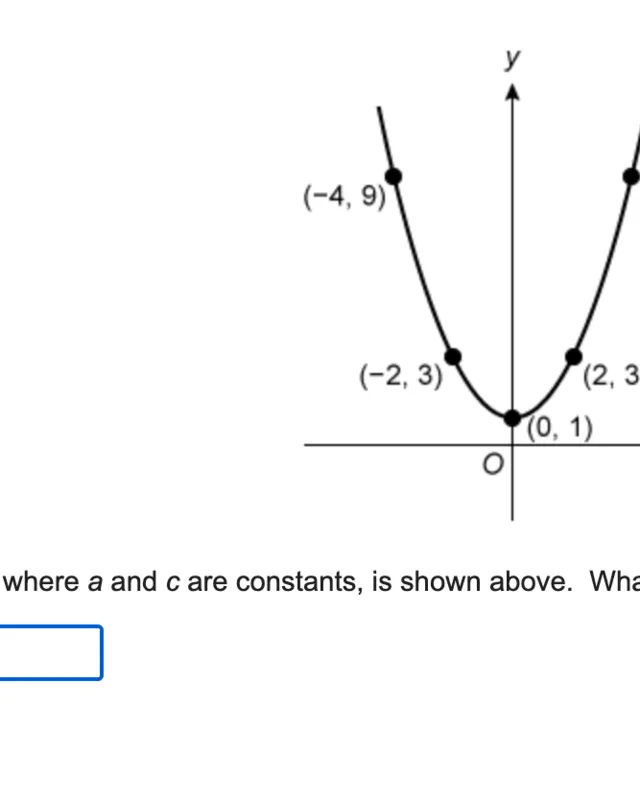
Quadratic graphs Reasoning -
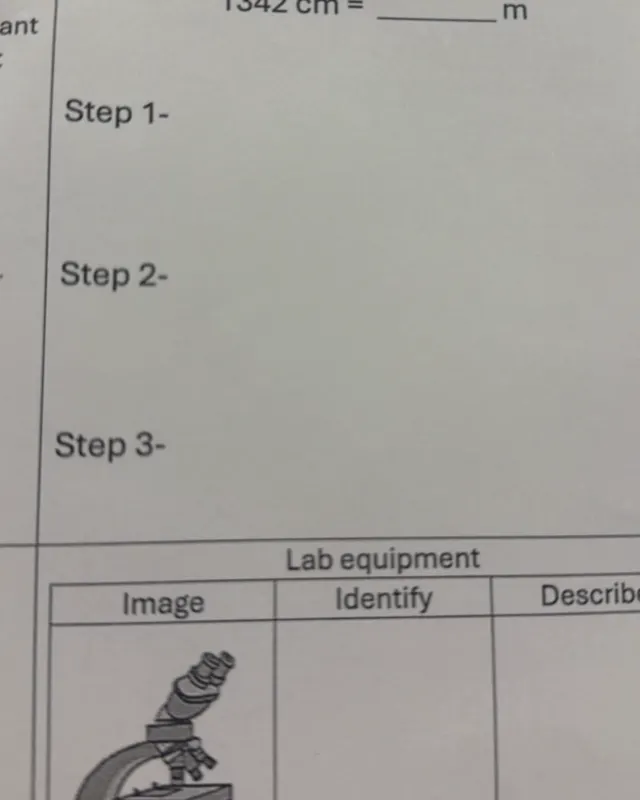
Metric conversions Super hard -
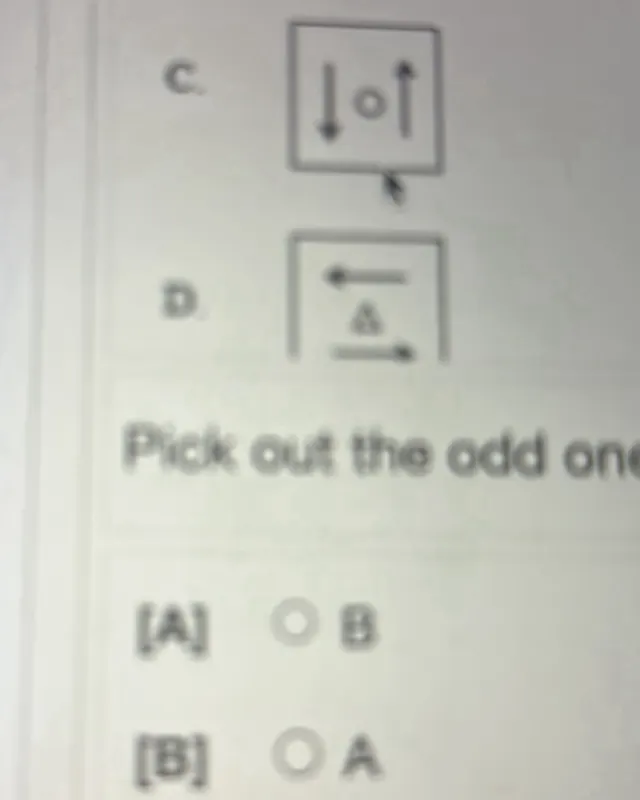
Visual reasoning Super hard
Real questions from real users, published with identifying details removed. Privacy Policy
From a short chat to a finished PDF, Word or PowerPoint file
Tell the AI what you need and get a study guide, report or slide deck with headings, tables and illustrations — ready to download from the iPhone and Android app.
- PDF PDF
- DOCX Word
- PPTX PowerPoint
- 1
Describe what you need
Topic, level and length, in a short chat. Attach up to 3 reference images if you have them.
- 2
Check what goes in
The app lists every section before anything is made. Change what is missing — nothing is charged yet.
- 3
Get the finished file
Headings, tables and AI illustrations, as PDF, Word or PowerPoint. Download it or share it in a tap.
- The four conditions natural selection needs
- Types of selection, compared in a table
- Evidence from fossils, anatomy and DNA
50 credits per document on Free · PRO includes 15 a month · Unlimited includes 30
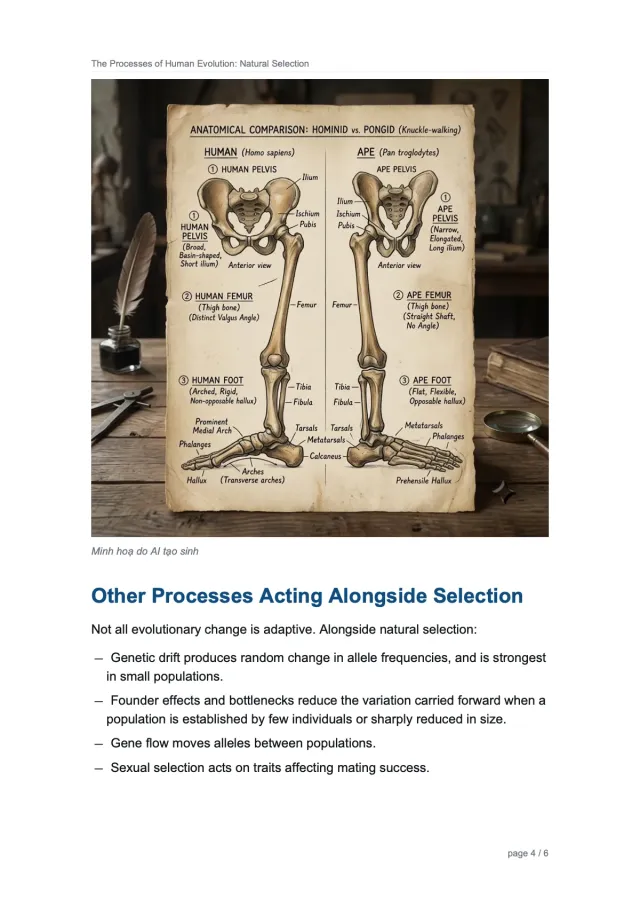
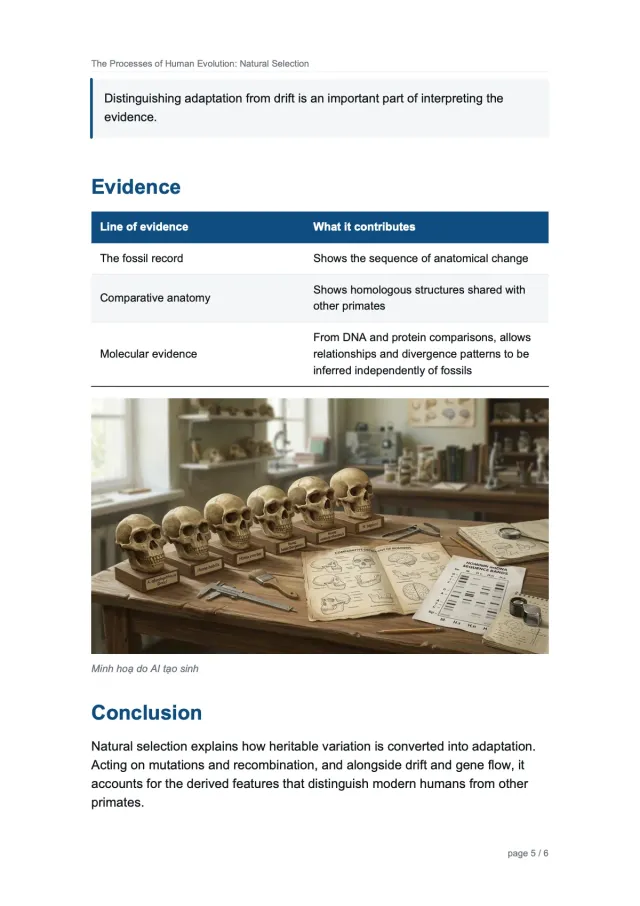
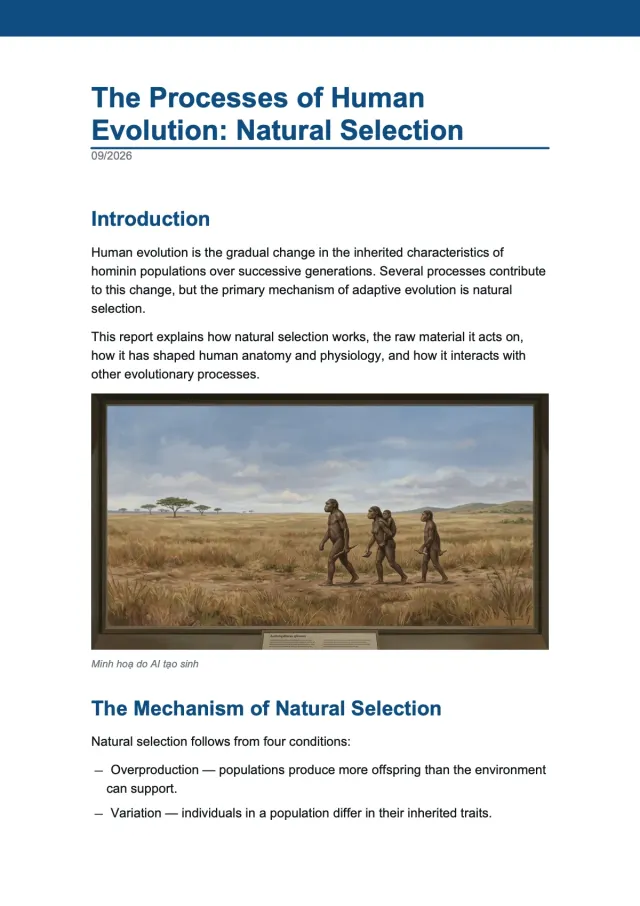
Gen images
Describe a diagram, illustration or study visual and get an image you can save and share.
5 credits per image on Free · PRO includes 50 a month · Unlimited includes 150
Available in the AI Solve Quiz app for iPhone and Android. App Store · Google Play
Record the meeting. Read the summary.
Record a lecture, a standup or a call in the app — or upload audio you already have. You get the transcript, a short summary and the action items, and one tap turns any of it into a PDF, Word or PowerPoint file.
Keeps recording when you switch apps or lock the screen
- The team agreed to ship the new onboarding flow on Friday.
- Two things are still open: the payment webhook and the empty-state copy.
- Fix the payment webhook before Thursday
- Rewrite the empty-state copy
- Send the sprint plan to the team
Speaker 1 · 00:42 — Let’s start with the onboarding flow.
Speaker 2 · 01:15 — The webhook still fails on a retry.
It survives the rest of your day
Switch apps, lock the screen or take notes — recording carries on, with Pause and Stop in your notifications.
Or upload audio you already have
Bring in a voice memo or a file from another app and get the same transcript and summary. Up to 90 minutes.
Who said what
Detail mode labels the speakers, so a transcript of several voices says which of them was talking. Unlimited plan.
From summary to file or link
Turn the summary and action items into a PDF, Word or PowerPoint document, or share a private link that expires by itself.
5 credits per 10 minutes, rounded up. Speaker labels are 50 credits an hour on Unlimited. You only pay when you ask for the summary — a summary that fails is refunded, and the audio is deleted after 30 days.
Practice and learn from the quizzes & assessments you already use.
All product names, logos, and brands are property of their respective owners. AI Solve Quiz is an independent study and explanation tool and is not affiliated with, endorsed by, or sponsored by any platform shown.
Study guides by platformBuilt for every question type & exam
From multiple choice to data sufficiency, AI Solve Quiz explains the formats behind the quizzes and tests you actually study for. Browse the guides:
Question types
View all →Understand the format, then learn how to answer it.
Exams
View all →Up-to-date formats, sections and question types.
Homework subjects
View all →Step-by-step help for math, English grammar, literature and geography homework.
- Linear Equations
- Equation of a Circle
- Angle Relationships in Parallel Lines
- Graphing Quadratic Functions
- Verb Tense Exercises
- Fill-in-the-Blank Grammar Drills
- Vocabulary Word-Form Exercises
- Reading Comprehension Strategies
- Classical Poetry Analysis
- Prose Passage Analysis
- Latitude and Longitude
- World Map Regions
Capture a question. Get a worked answer.
Part quiz solver, part homework helper — no tab-switching, no retyping. The explanation appears in the side panel, right beside what you're studying.
The shape alternates square → diamond → square → diamond.
The fill cycles white → grey → black, then repeats.
So next is a grey square → option C.
Point, solve, and understand
The iPhone & Android app brings the whole flow to your camera — it spots the question, reads it with advanced AI, and explains it step by step.
Smart platform detection
Recognizes where you're studying and frames the question for you — one tap to solve.
Tiered explanations
A crisp answer on Free & Pro; full step-by-step, beginner-friendly reasoning on Unlimited.
70+ languages
Translate any explanation, or let Auto-match answer in the question's own language.
Don't just solve it — master it
Turn any solved session into a fresh practice quiz, take it against the clock, then review every answer. Real self-testing — the honest way to prep for the real thing.
Generate
AI writes new questions from your session — Similar to reinforce or Harder to push yourself.
Take the timed exam
A focused runner with a countdown timer, progress track, mark-for-review and auto-submit at zero.
Score & master
Get a score, review every answer with a detailed explanation, retake to beat it, or export a PDF mock test.
A tight, confident explanation that justifies the answer.
Step-by-step reasoning so you learn the method, not just the answer.
Practice mode is on the iPhone & Android app and the web portal — built for self-testing and exam prep, not for use during proctored or graded assessments.
Start free. Go Unlimited to master it.
Free to try · Pro for regular prep · Unlimited for uncapped solves, detailed explanations & Practice.
Free text solves every day + 20 credits to start — no card needed. Out of credits? Watch an ad in the app for +5 more.
For regular practice & prep.
The power study tier.
Free 20 credits · Pro $5.99/mo (300 credits) · Unlimited $10.99/mo (uncapped, fair-use). Credits auto-refund on failure; Pro resets monthly; add-on packs ($2.99/100 credits) never expire. Payments via PayPal.
Questions, answered
What is AI Solve Quiz? ▼
Which platforms does AI Solve Quiz work on? ▼
Is my data private? ▼
What does a credit cover? ▼
Can I get explanations in my language? ▼
Can I share my answers with classmates? ▼
Do unused PRO credits roll over? ▼
Can AI Solve Quiz create images? ▼
Can it make a PDF, Word or PowerPoint file? ▼
Can it record and summarise a meeting or a lecture? ▼
More questions? Visit our full FAQ.
Give 10, get 10
Invite a friend — when they make their first solve you both get 10 credits. When they go paid, you both get 50.
Ready to study smarter?
Add AI Solve Quiz to Chrome and turn any practice question into a worked explanation.
Add to Chrome — it's free